











First is the “Record” feature, it allows you to record your voice or the music on your desktop. You will easily know that you are recording because you will see musical notes floating around the mic. You can also listen to your recorded file because the tracks are shown below.
In addition to this, you can adjust the volume, the audio source, and set the format into MP3, AAC, OGG, WMA, WAV, and FLAC below. Moreover, what makes this app more special is it’s “Task Scheduler” feature. It is a bright idea to let you create a task so that you can do your other agenda without thinking about your recording because it will automatically do its job.
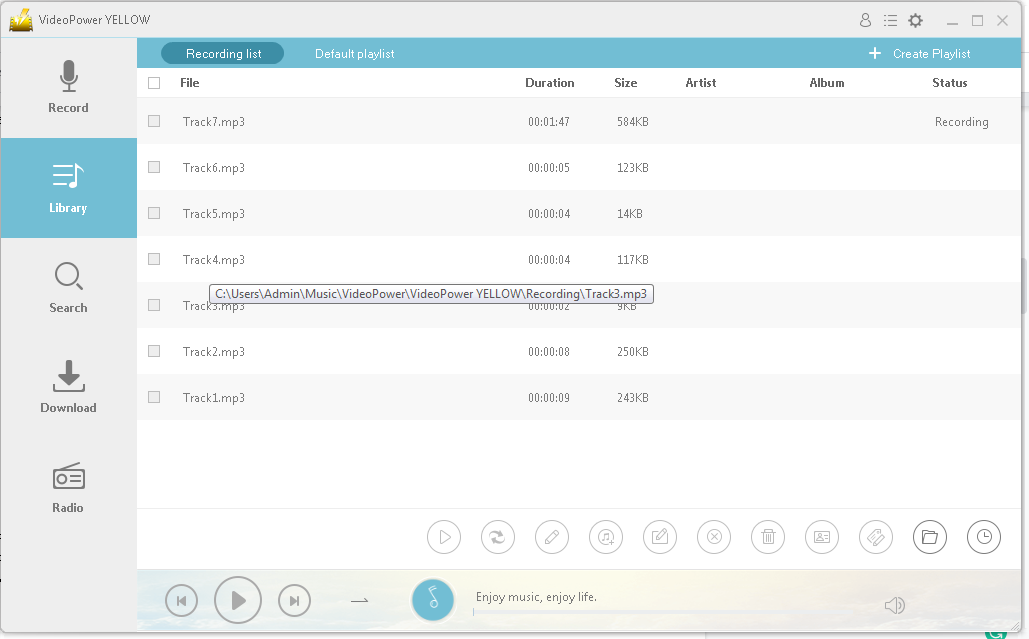
The second feature is the “Library”. The recorded or downloaded tracks were present here showing its duration, size, artists, album, and status. You can also create a playlist by clicking and managing the button on the upper-right corner of the interface. Another good thing with this app is that you can convert and set its format and quality.
When the conversion is complete you can check it to the output folder. Afterward, you can edit it, append the audio file, insert, mix, and overwrite with the sound file. It also offers functions that are impressive like; easily add the record to iTunes, rename, remove, delete, identify, ID3 tag editor is also present to store information into the media file, and create a task.
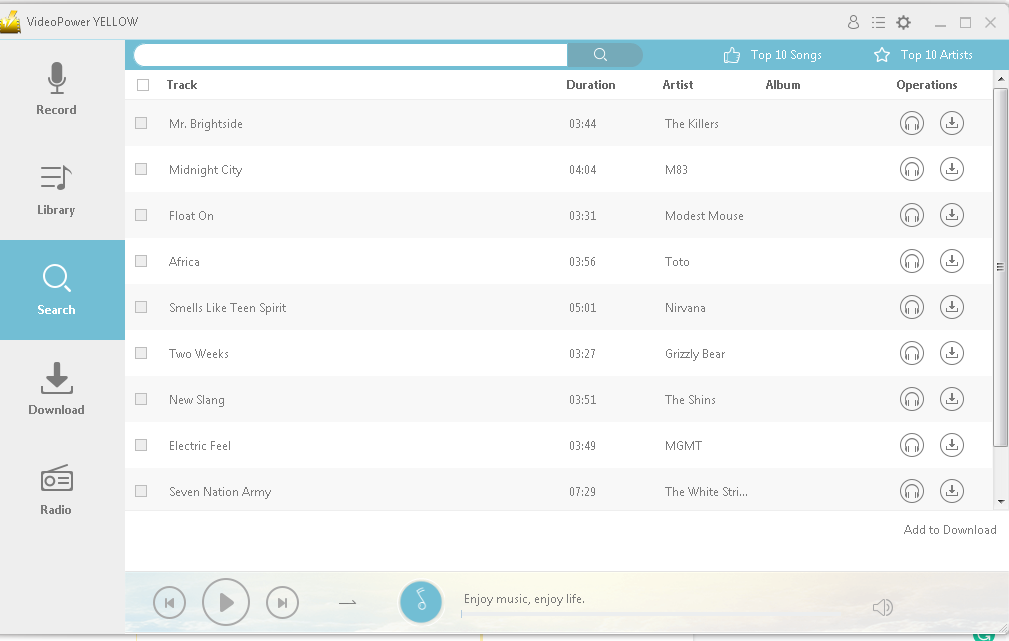
Third, the “Search” feature. It allows you to search, download, and use the music. It offers a lot of music. You have given numerous choices to see if what you are looking for is there.
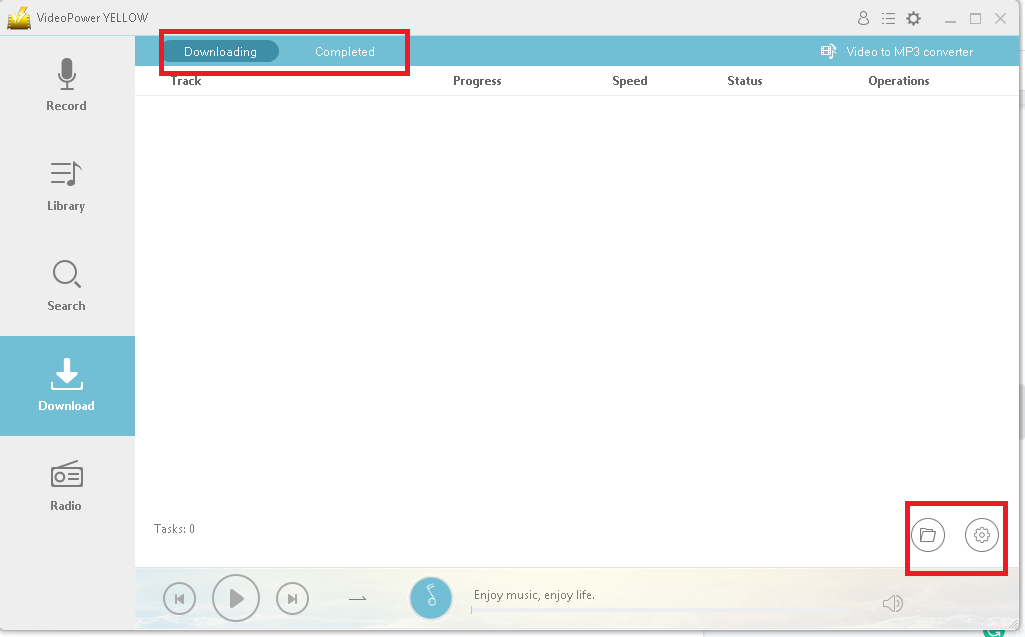
Fourth is the “Download” feature. All the music you chose to download from the search will be processed here where you can see the progress, speed, status, and operation. Also, the completed music, duration, size, and operation are present in the completed section. This feature can convert video into MP3, just paste the URL, set the format and quality, and add to download.
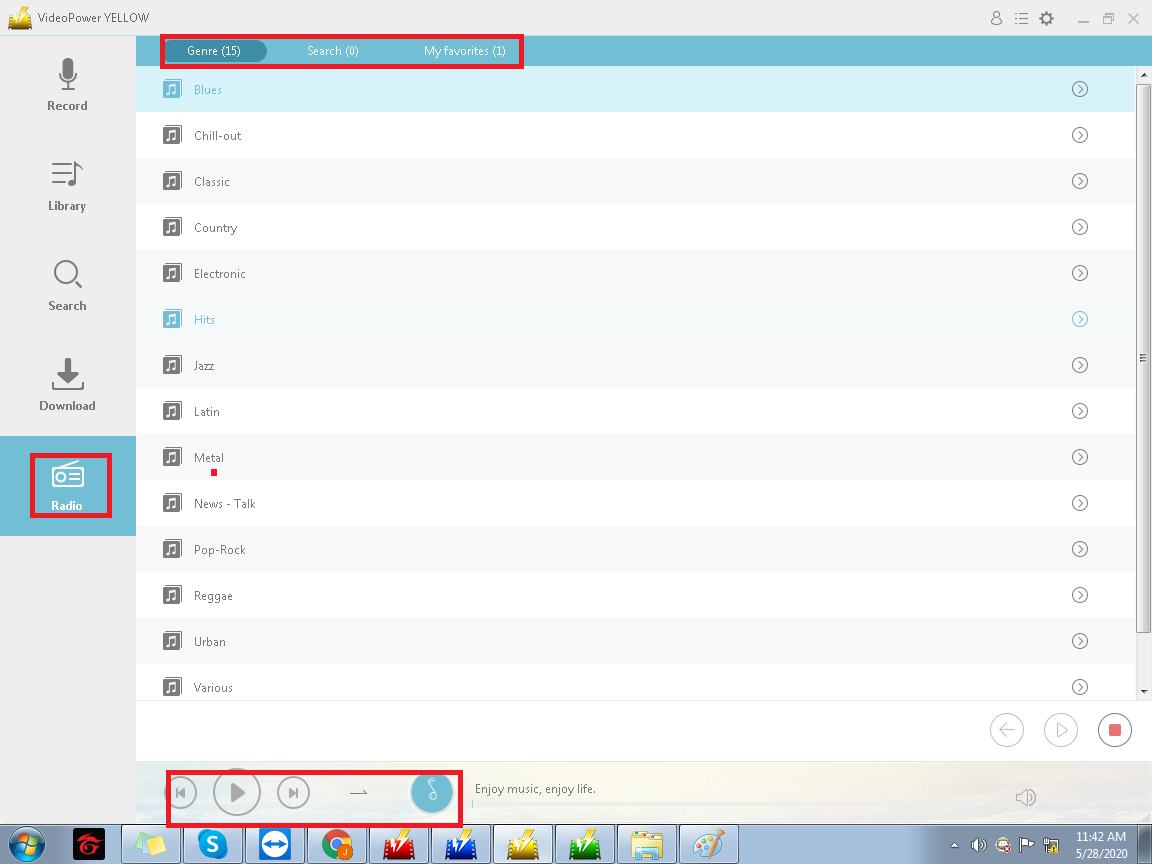
The last feature is “Radio”. It allows you to record while playing the radio. It has different genres and this feature is useful. You can search, add to your favorite, or record it.
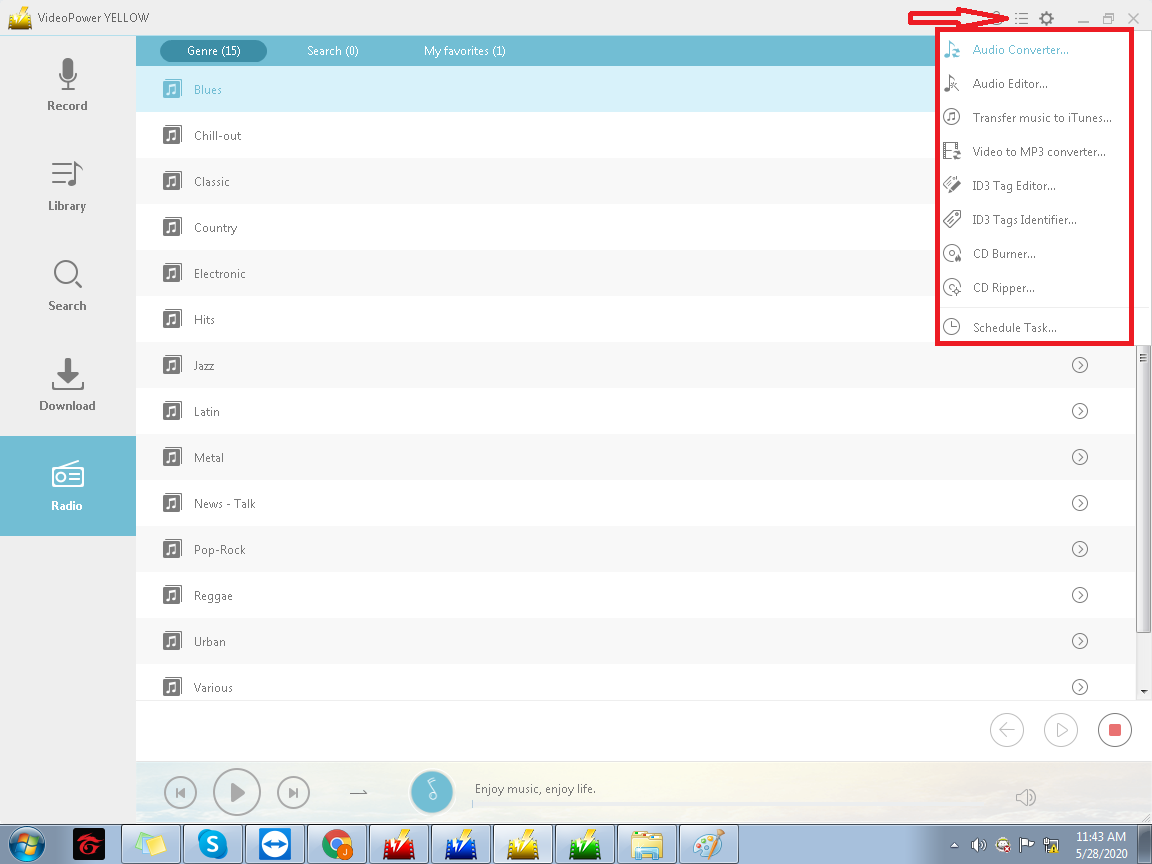
In this software, there is an audio converter and audio editor. You can also transfer music to iTunes and convert video to MP3. ID3 tag editor and identifier are also present. Lastly the CD burner and CD ripper. These added functions are huge plus and useful instead of opening another program for it.
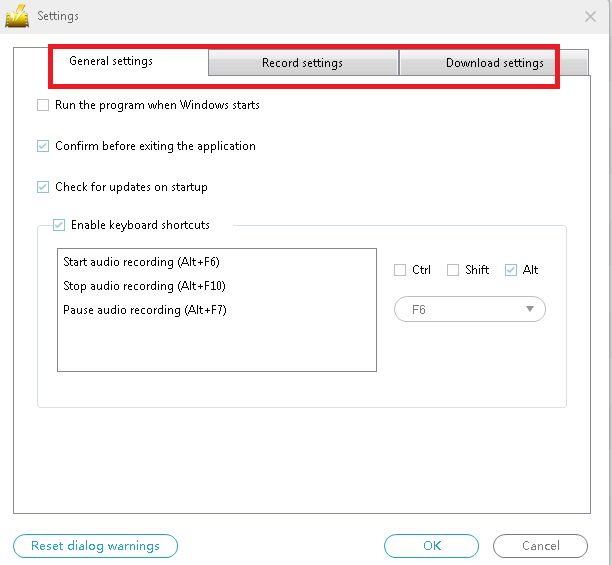
The user can set everything in the settings to work comfortably. It has general settings, that include the program, hotkeys, and updates. You can adjust the format, audio settings, and advance options in the record settings. Lastly the download settings, the user can set the maximum simultaneous downloads, format, and quality.
This software also has VIP privilege to purchase so that you will be able to use it without limits this app is surely worth purchasing. It will help you create outstanding output.
If you are fond of recording and editing music, or music is your passion, perhaps your dream is to be a music artist in the future, this software is a perfect fit for you.
VideoPower YELLOW has many interesting features. It is one of the best music recordings and even without experience I was easily able to understand and use this software. It offers a lot of music and it is good at mixing audios. It has an impressive feature that other software doesn’t have. It is a friendly-user and has very good tools. It is easy to install and it does not require so much time.




ZEUS Series
VideoPower brother products, start easier with more affordable prices!
| ZEUS BUNDLE 1 Year License ⇒ $29.99 |
ZEUS BUNDLE LITE 1 Year License ⇒ $19.99 |
ZEUS RECORD LITE 1 Year License ⇒ $9.98 |
ZEUS DOWNLOAD LITE 1 Year License ⇒ $9.98 |
||
| Screen Recorder | Screen&Audio Recording | ✔ | ✔ | ✔ | |
| Duration Setting, Schedule Recording | ✔ | ||||
| Video Downloader | Paste URL to download, batch download | ✔ | ✔ | ✔ | |
| Search/download video,browser detector | ✔ | ||||
| Music Recorder | Record music and get music ID3 tag info | ✔ | ✔ | ||
| Music search/download/record, CD Ripper/Creator, Audio Editor | ✔ | ||||
| Video Editor | Edit and convert videos, create slideshow | ✔ | |||
| Screen Capture | Capture screen, image editor | ✔ | |||