











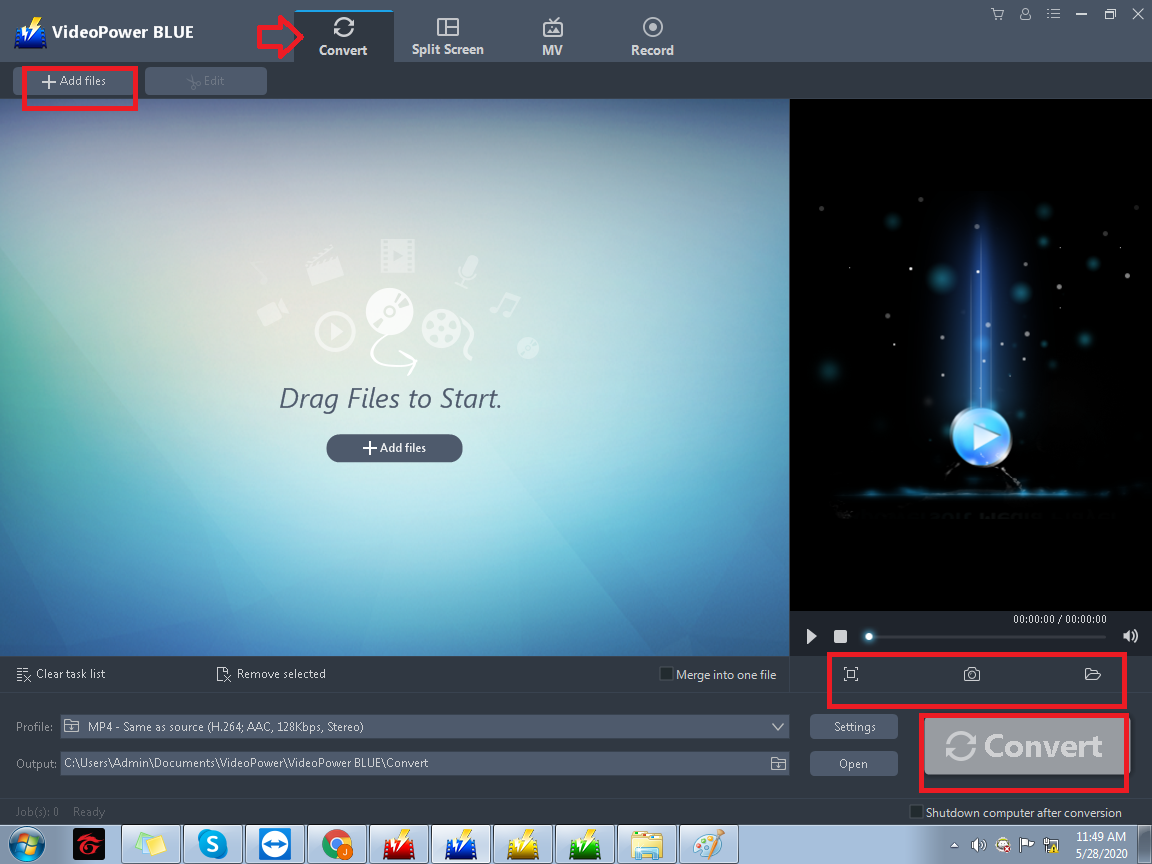
The first feature is the “Convert”, it can add subtitles quickly. The user can easily flip and rotate the video and adjust its brightness, contrast, volume, saturation, and speed. You can also add text on it and it offers a lot of font and font styles.
Convert any video or audio into any format you need like MP4. AVI, MOV, FLV, etc, for video and MP3, WAV, AAC, WMA, etc for audio. You can also convert it to formats compatible with devices such as Apple, Samsung, etc. At the bottom, you can see the profile menu bar contains the audio, video, and device formats. Adjust it based on your preference. VideoPower BLUE is indeed an amazing app because it offers a lot of features and functions.
Moreover, the user is allowed to take a screenshot and open the screenshot folder. In this feature, you can easily set the settings according to its quality, video, and audio. The huge plus here is the button “Convert” is quite big that helps you see it clearly and easily. lastly, after the conversion is complete there is a popup button that confirms to stop the conversion.

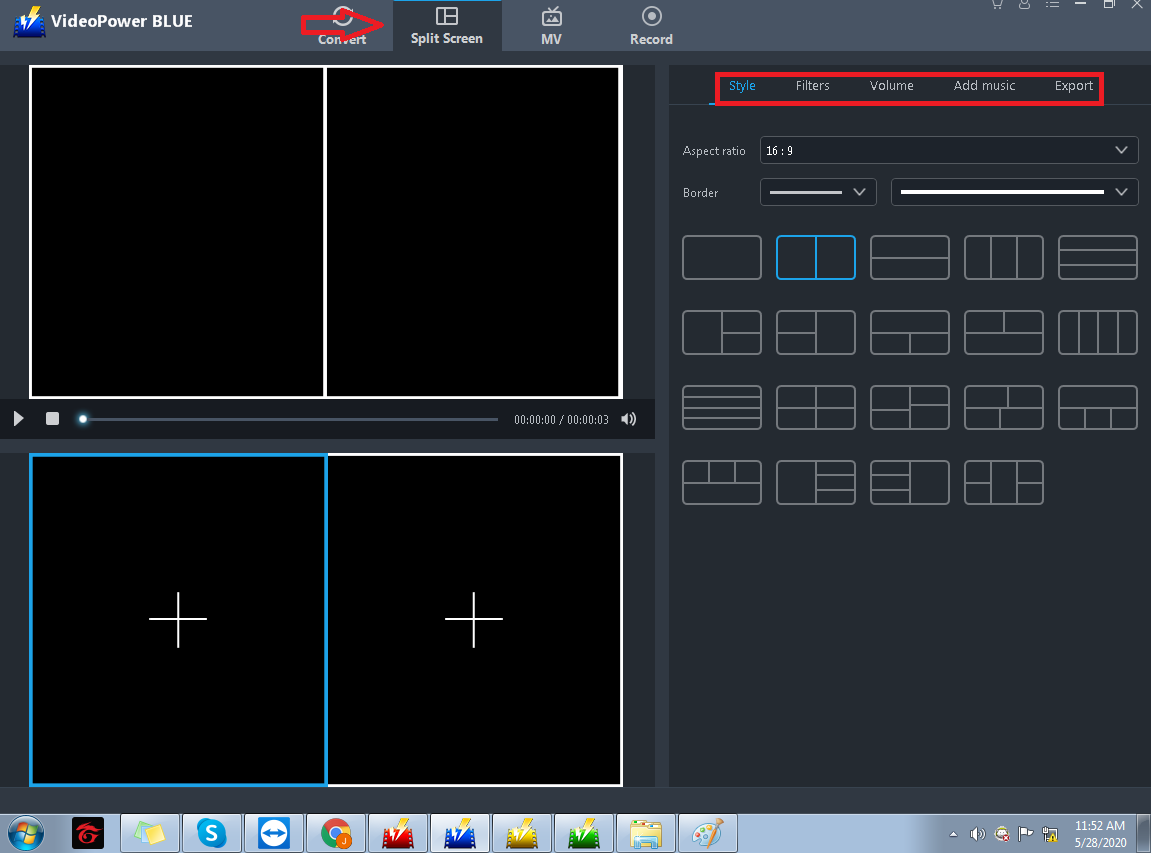
The second feature is impressive because not all editing software has a feature like this. It is the “Split Screen”. This is the solution for double up to quintuple exposure videos. It may sound more complicated but you can use it for basic editing as well as filters, volume, and adding music.
Also, you can adjust the aspect ratio, thickness of the border, and the color of it in style. It has multiple filters that you can choose from, you can also adjust the volume and add music from your folder. In addition to this, you can easily trim the part of the videos, replace and remove them. If you are done editing you can set the size and export it to your folder.
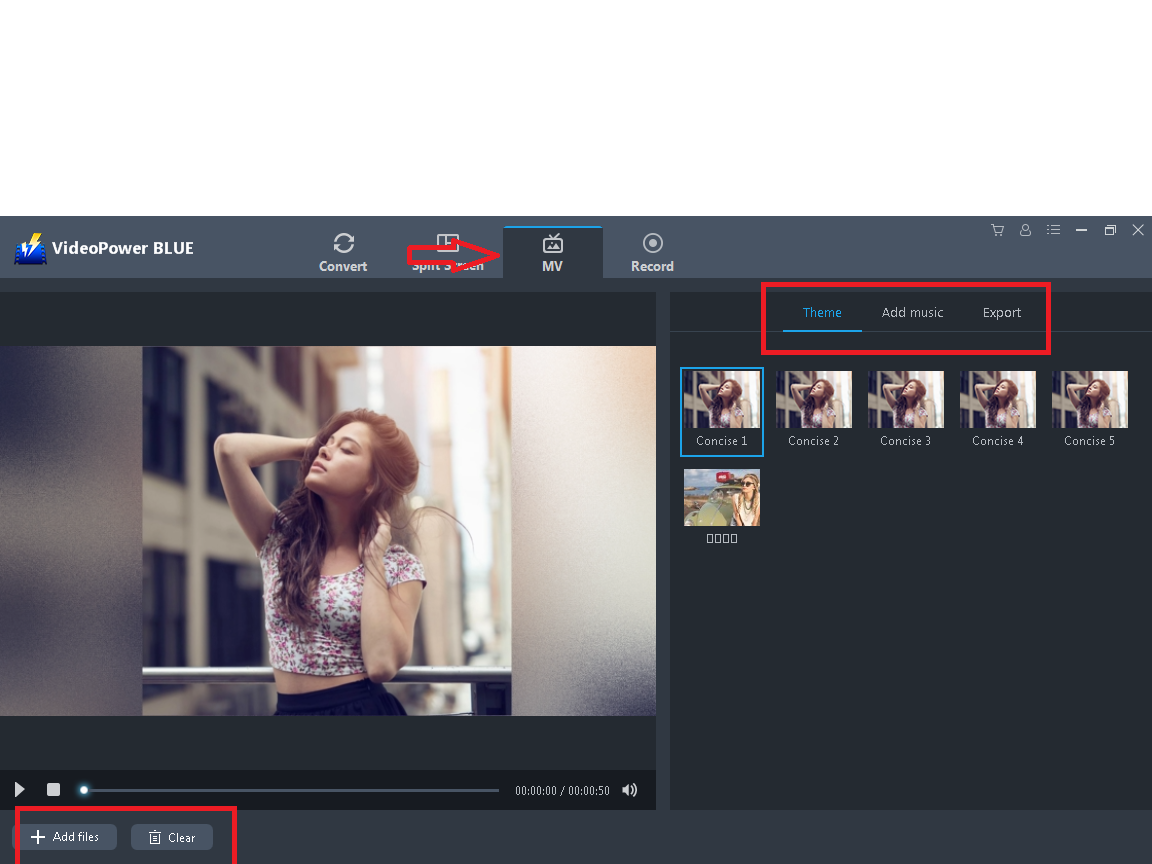
The third feature is a solution to make a music video. It is the “MV”, the user can add videos and pick a theme. This feature provides numerous themes that can be used in different topics and situations. You can also add music and lastly adjust the size and export it to your folder.
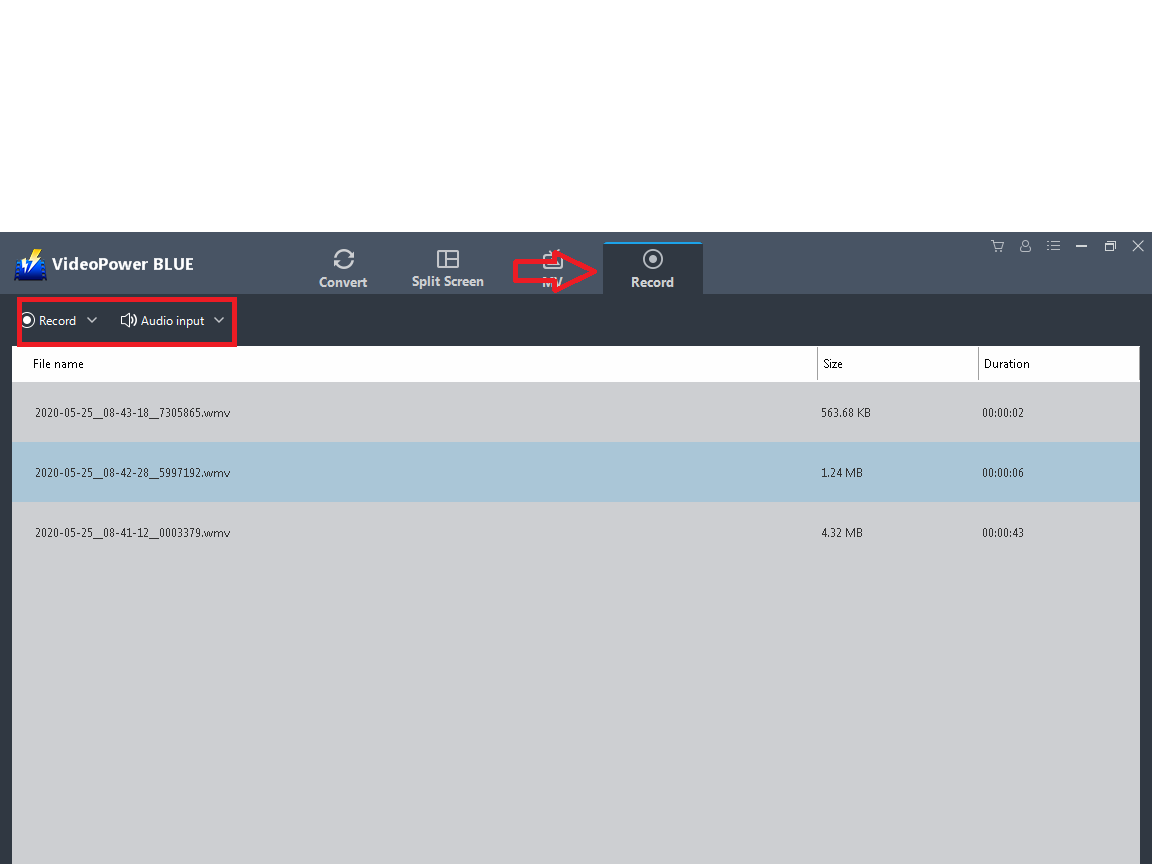
Last but not the least, is the “Record” feature. This is the solution to record screen actions. This feature has multiple recording modes such as full screen and region You can also adjust the mouse and include your web camera if you want. The user can also record only the audio and choose a format. You can adjust the sound system. You can convert the videos and edit them in the “Convert” feature.
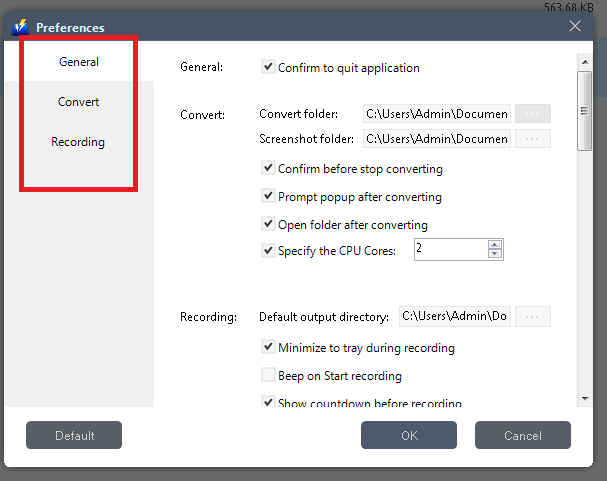
You can set everything in settings. As well as the parameter of the video, the “Format”, “Codec”, “Bitrate”, “Frame rate” and the “Quality”. Also, there is a setting for record and convert feature that you can check and enable some functions for you to be able to work comfortably. In addition to this, different country-men can use this software because it has multiple language options.
This editing software will be beneficial for most people especially students especially nowadays they used technology, and the people love editing. Its features will be the solution to what you are looking for. It has features that you can use in one software instead of opening another program. Indeed, this software is worth purchasing to freely use the benefit of all the features and export your video in any format without watermark and allows you to do much more.
VideoPower BLUE is undoubtedly well-designed and not hard to learn. It’s amazing for what it can do. It’s been fun learning the basics of editing videos, also the tools like audio recording and record screen are outstanding because you don’t need another software for it. It is a friendly-user and easy to install. This editor can also produce a professional-looking video. Moreover, it can combine video files and images to create incredible compositions. Even someone with zero experience in editing will be able to take advantage of the features.




ZEUS Series
VideoPower brother products, start easier with more affordable prices!
| ZEUS BUNDLE 1 Year License ⇒ $29.99 |
ZEUS BUNDLE LITE 1 Year License ⇒ $19.99 |
ZEUS RECORD LITE 1 Year License ⇒ $9.98 |
ZEUS DOWNLOAD LITE 1 Year License ⇒ $9.98 |
||
| Screen Recorder | Screen&Audio Recording | ✔ | ✔ | ✔ | |
| Duration Setting, Schedule Recording | ✔ | ||||
| Video Downloader | Paste URL to download, batch download | ✔ | ✔ | ✔ | |
| Search/download video,browser detector | ✔ | ||||
| Music Recorder | Record music and get music ID3 tag info | ✔ | ✔ | ||
| Music search/download/record, CD Ripper/Creator, Audio Editor | ✔ | ||||
| Video Editor | Edit and convert videos, create slideshow | ✔ | |||
| Screen Capture | Capture screen, image editor | ✔ | |||