











How to Convert
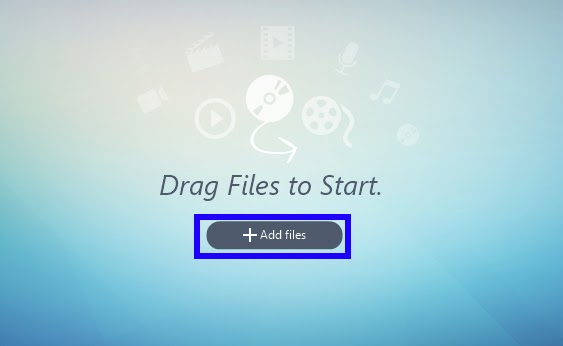
1) Click “Add Files” to import videos from your local storage.
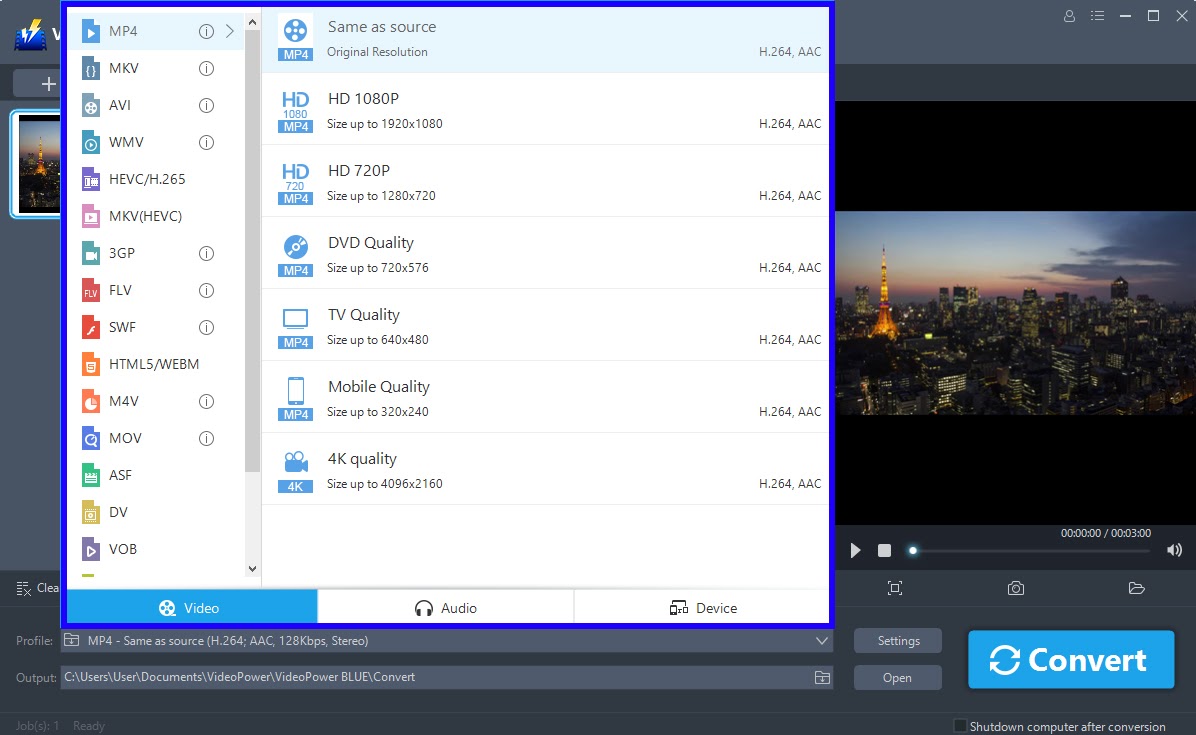
2) Choose a file format and output quality from the pre-setted profile list.
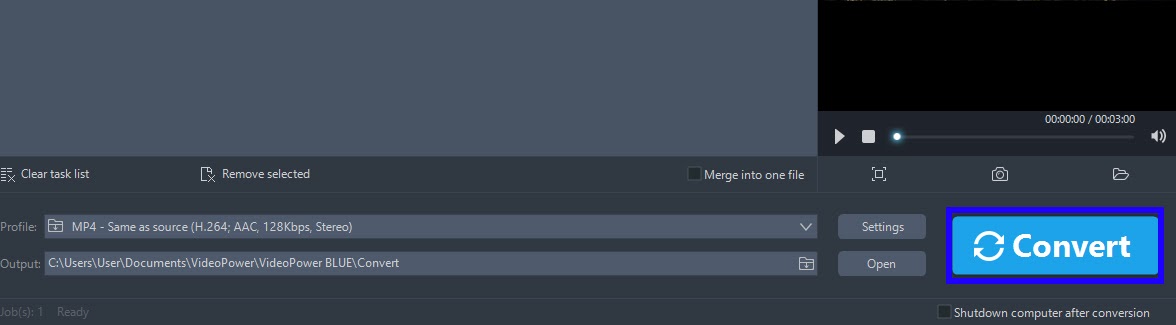
3) Click the “Convert” button to start the conversion of your video or audio file.
Slideshow Maker
Simple and one of the easiest applications to use. VPB allows users to create professional, personalised slideshows with its variety of editing tools and options. Slideshows can include images,music, transitions and many more exciting tools and actions. VPB Slideshow Software highlights include an extensive offer of photo editing features.
How to create Slideshow
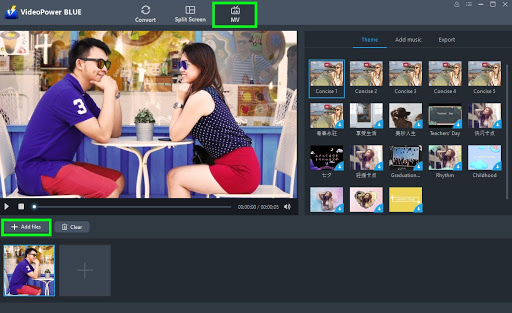
1) You can directly import the photos and videos to the program by clicking “MV” at the top middle of your screen and click the “Add files” button or drag-and-drop the file to the interface.
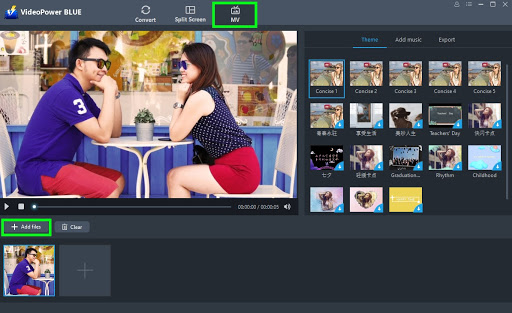
2) You can also add background music for the improvement and beautification of your slide show. Just click the “+ Add Music” button.
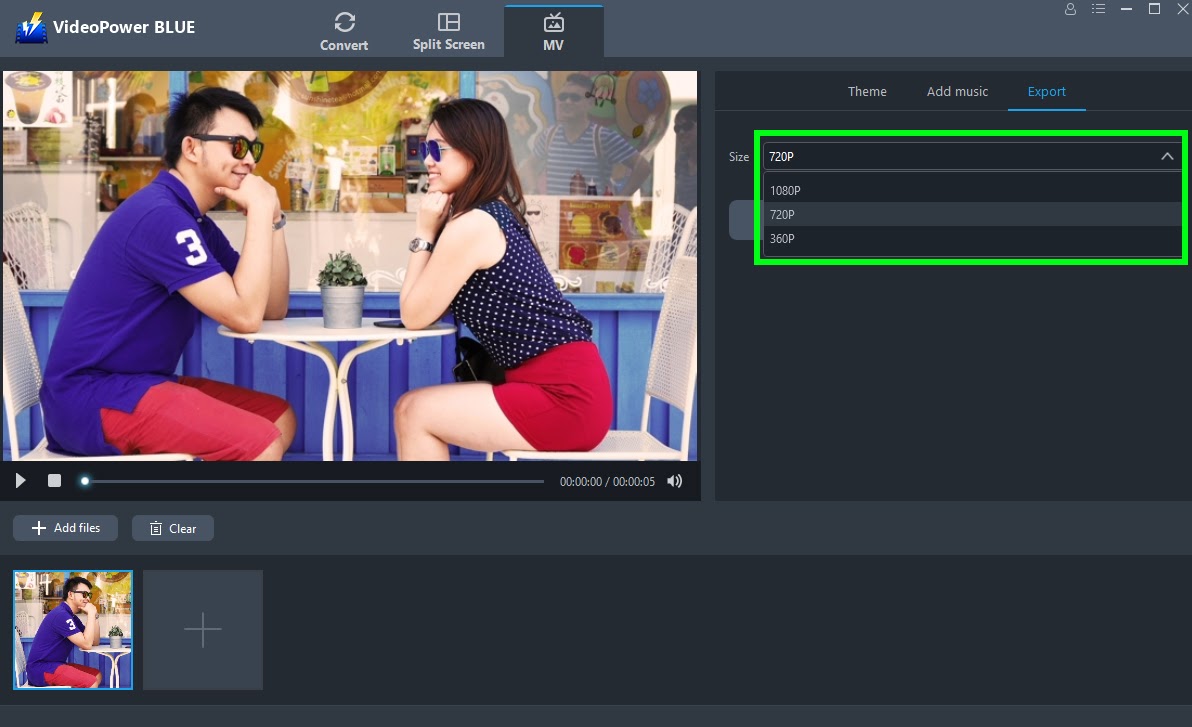
3)Select the resolution of your slideshow among 360P, 720P, or 1080P based on your preference before exporting.
4) You can now click the “Export” button to start exporting and you can also choose where to save your output file.
Fun, interactive and simple to use, this slideshow & converter app is a step ahead of the rest and it allows users to make a slideshow with both the users own photos and video clips in one slideshow.
System Requirements
OS: Windows 10 / 8.1 / 8 / 7 (32 / 64bit)
CPU: 1GHz or higher
Memory: 1GB or more (4GB or more recommended)
Hard disk space: 15GB or more recommended
Graphics: NVIDIA GeForce 9 Series / AMD (ATI) HD 4000 / Intel HD Graphics 2500 or later
recommended
Others: net. Framework 4.0 or later required (automatic installation if insufficient), DirectX 9.0cor later required




ZEUS Series
VideoPower brother products, start easier with more affordable prices!
| ZEUS BUNDLE 1 Year License ⇒ $29.99 |
ZEUS BUNDLE LITE 1 Year License ⇒ $19.99 |
ZEUS RECORD LITE 1 Year License ⇒ $9.98 |
ZEUS DOWNLOAD LITE 1 Year License ⇒ $9.98 |
||
| Screen Recorder | Screen&Audio Recording | ✔ | ✔ | ✔ | |
| Duration Setting, Schedule Recording | ✔ | ||||
| Video Downloader | Paste URL to download, batch download | ✔ | ✔ | ✔ | |
| Search/download video,browser detector | ✔ | ||||
| Music Recorder | Record music and get music ID3 tag info | ✔ | ✔ | ||
| Music search/download/record, CD Ripper/Creator, Audio Editor | ✔ | ||||
| Video Editor | Edit and convert videos, create slideshow | ✔ | |||
| Screen Capture | Capture screen, image editor | ✔ | |||