











VOB is a container file format that stores digital video, digital audio, subtitles, DVD menu, and navigation in a stream format. It is also known as a DVD video object file. The VOB file is the core file for the DVD video disc.
Even though VOB is a popular format as DVD movie storage, its compatibility is on a different level. It is not included in the format list that supports many devices and programs. In this case, it’s a good idea to convert this VOB file into a more common format like AVI.
AVI format is one of the most popular formats developed by Microsoft. It can store video and audio data and it supports the majority of the operating program, devices, and software.
The best VOB to AVI converter for Windows is VideoPower BLUE or ZEUS. It is a converting software that supports different audio and video formats and devices including MP4, WMV, FLAC, AAC, etc. Its fast-speed in conversion while retaining the original quality makes this software stand out among other software.
You can try to use the software and convert VOB to AVI by downloading its trial version below.
ZEUS can do what VideoPower series can do and more with an almost similar interface.
Check out NOW! Start easier with more affordable prices!
Steps to Convert VOB to AVI
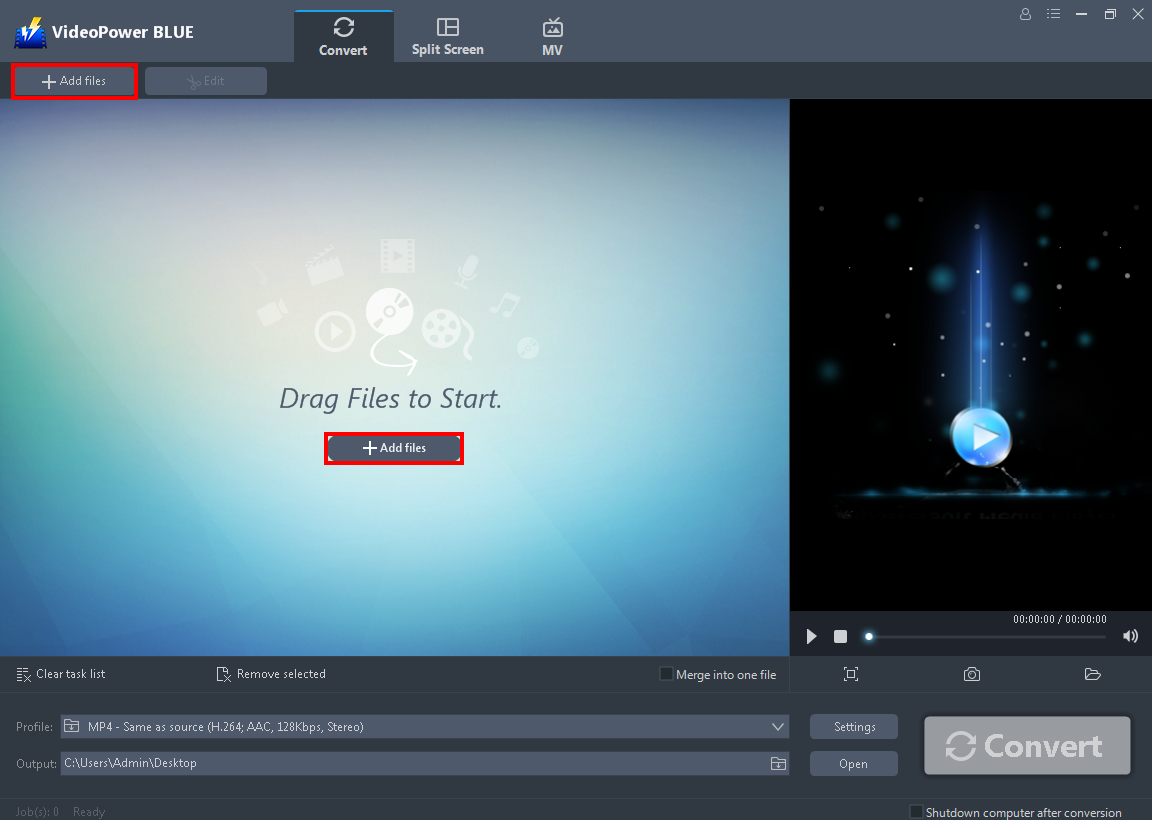
After you successfully installed the software, click to run the program. Directly import the VOB file to this tool by clicking the “+ Add files” button.
Step 1: Add the VOB File to VideoPower BLUE
After you successfully installed the software, click to run the program. Directly import the VOB file to this tool by clicking the “+ Add files” button.
Step 2: Edit the VOB Video File
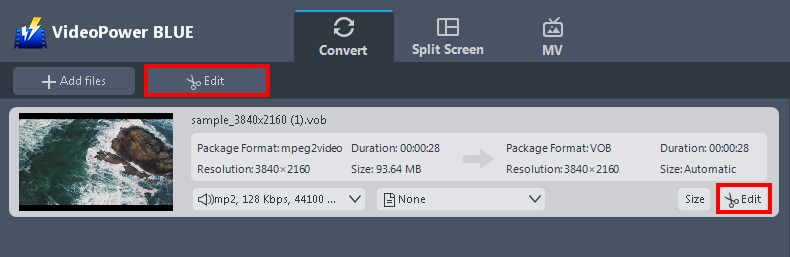
The imported video file is displayed in the list. Click the “Edit” button on the right side of the file to open the built-in video editor.
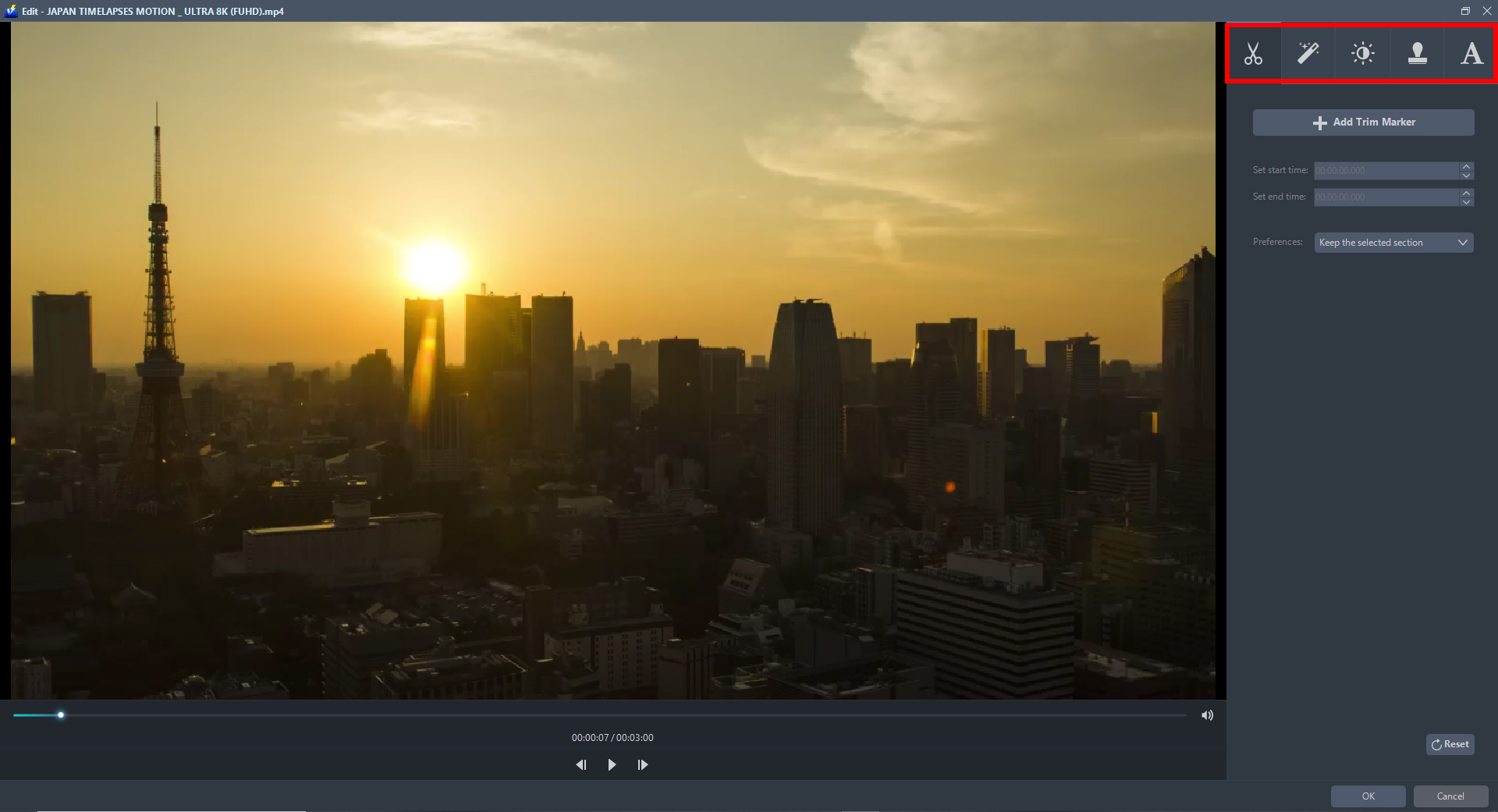
With this built-in video editor, you can make the perfect modifications to your video before conversion.
Adjust speed and volume, trim, cut, crop, rotate, or flip videos. Add effects, subtitles, and watermark while adjusting brightness, contrast, and saturation that will make editing conveniently easier.
Step 3: Convert VOB to AVI
3.1 Specify the Output Format
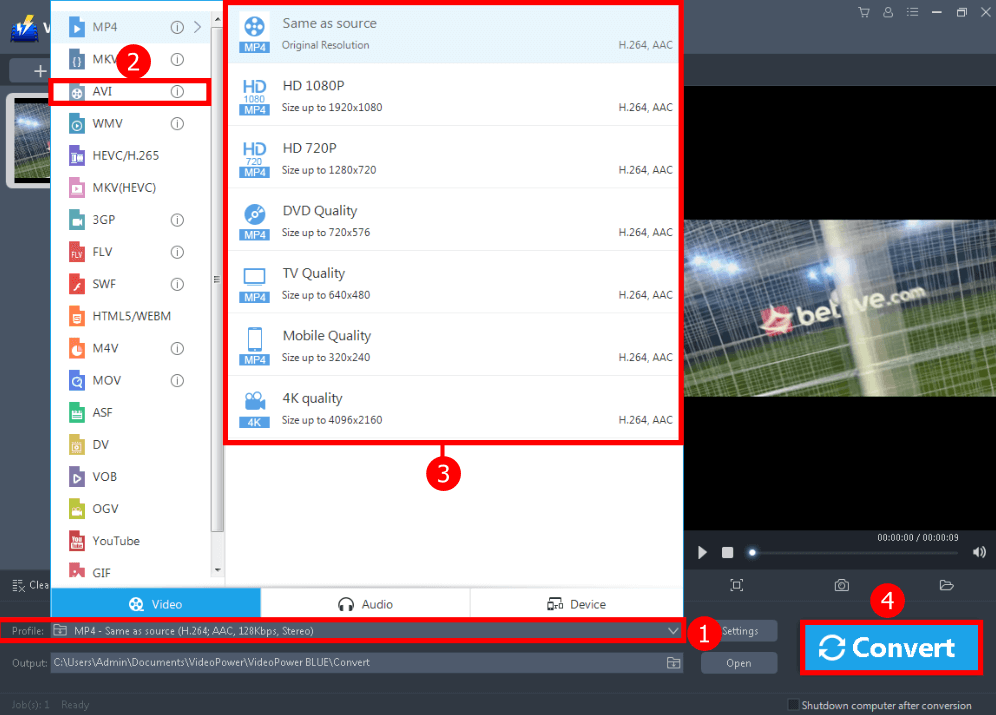
1. Click the “Profile” arrow-up menu to see the format list.
2. Choose the “AVI” format to the left.
3. Select the quality “Same as Source” or other options such as TV, DVD Mobile, 4K quality, or HD resolution to the right.
3.2 Hit the Convert Button
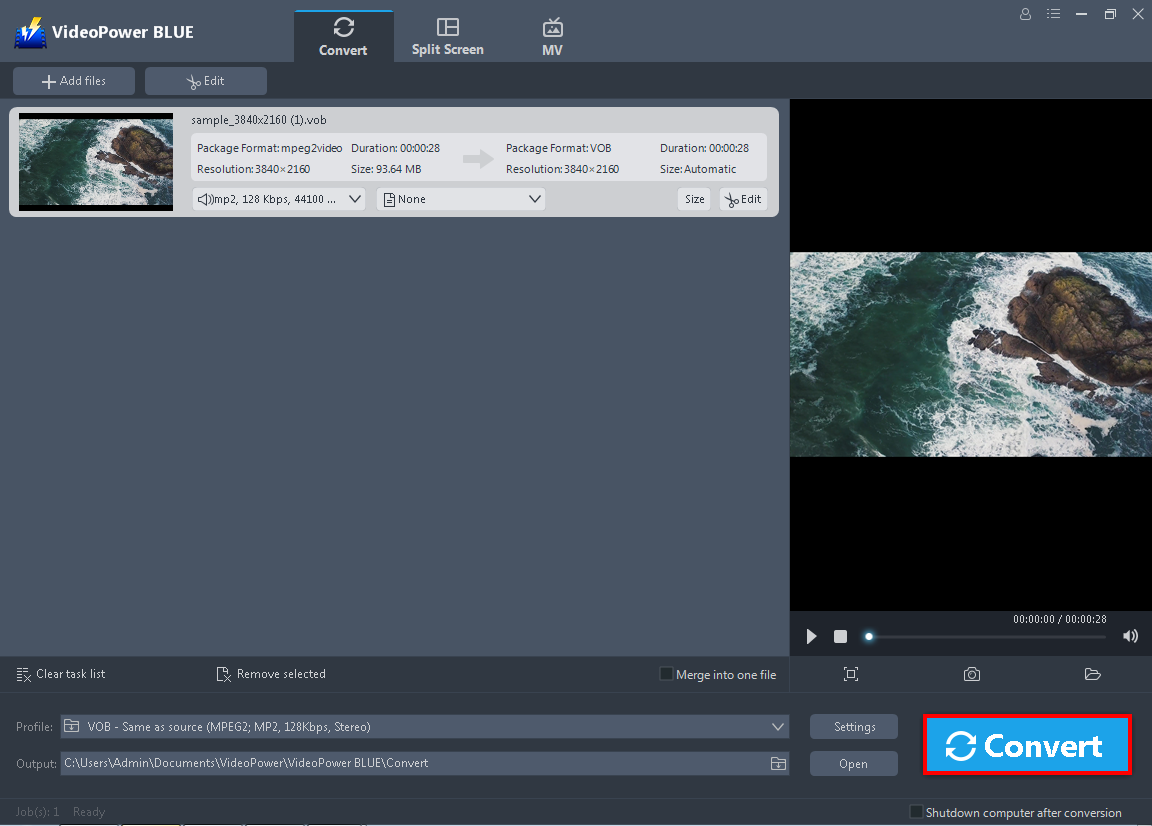
Finally click the “Convert” button on the lowest-right of the interface, for the conversion process to start right away.
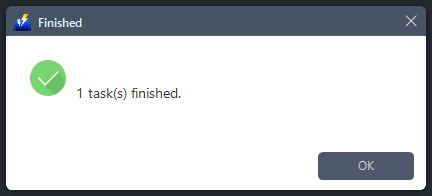
Then a pop-up window from the program will appear, informing you that the conversion is complete. Click “OK” to open the folder of your converted AVI video file.
Conclusion:
To make VOB files more gadget and program friendly, it is necessary to convert VOB files to AVI, a more flexible format, and supported by many players and editors.
With this guide on how to convert VOB files to AVI file format, you can easily do a conversion on your Windows 10, 8.1, 8, and 7 using VideoPower BLUE.
In addition, this is a multi-faceted software with a simple, easy-to-use, and straightforward interface. You are also able to edit slideshows or videos, apply watermarks, effects, and other basic video editing options such as trimming or cropping. Moreover, it has a split-screen tool for your photos and videos.
ZEUS series can do everything that VideoPower series can do and more, the interface is almost the same.
Check out NOW! Start easier with more affordable prices!




ZEUS Series
VideoPower brother products, start easier with more affordable prices!
| ZEUS BUNDLE 1 Year License ⇒ $29.99 |
ZEUS BUNDLE LITE 1 Year License ⇒ $19.99 |
ZEUS RECORD LITE 1 Year License ⇒ $9.98 |
ZEUS DOWNLOAD LITE 1 Year License ⇒ $9.98 |
||
| Screen Recorder | Screen&Audio Recording | ✔ | ✔ | ✔ | |
| Duration Setting, Schedule Recording | ✔ | ||||
| Video Downloader | Paste URL to download, batch download | ✔ | ✔ | ✔ | |
| Search/download video,browser detector | ✔ | ||||
| Music Recorder | Record music and get music ID3 tag info | ✔ | ✔ | ||
| Music search/download/record, CD Ripper/Creator, Audio Editor | ✔ | ||||
| Video Editor | Edit and convert videos, create slideshow | ✔ | |||
| Screen Capture | Capture screen, image editor | ✔ | |||